For IT Professionals
How It Works for IT Professionals
From sign-up to getting paid — here's how you start earning as a KawanPro IT professional.
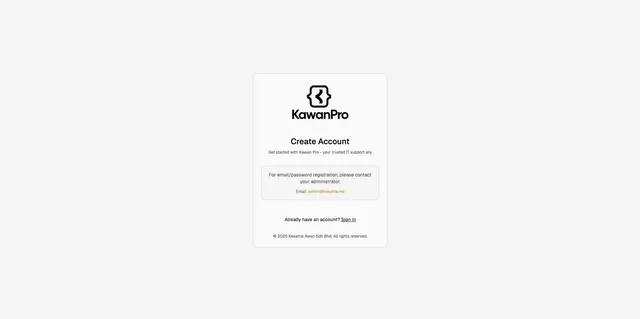
Sign Up as an IT Professional
Create your KawanPro profile with your personal details, work experience and areas of expertise. Upload your certifications and ID for verification. The process takes just a few minutes.
Complete KawanPro Training
Go through our structured training program that covers service standards, communication with clients, safety protocols and platform usage. Once you pass, you earn your KawanPro certification badge.

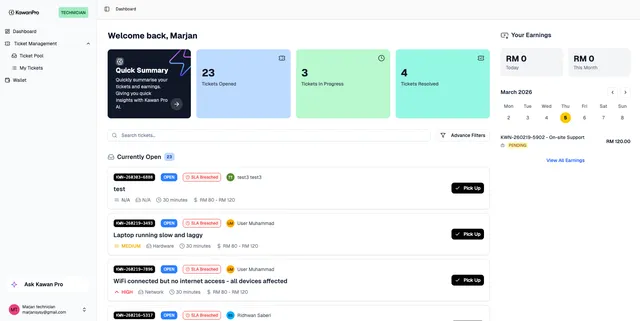
Browse Jobs in the App
Open the KawanPro app and browse available IT jobs near your location. Filter by job type, distance and pay. Accept the jobs that match your skills and schedule — you are in control.
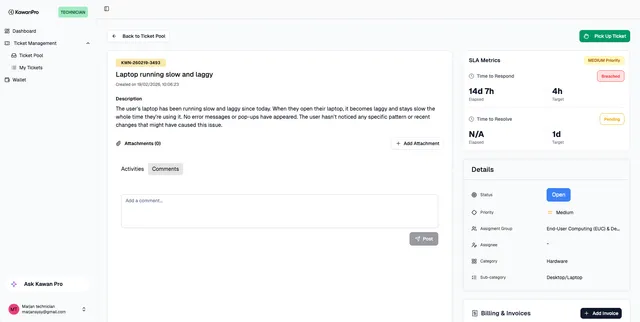
View & Accept the Job
Review the job details — issue description, priority, location and estimated pay. Check the SLA metrics and category before picking it up. Once you accept, the job is yours.
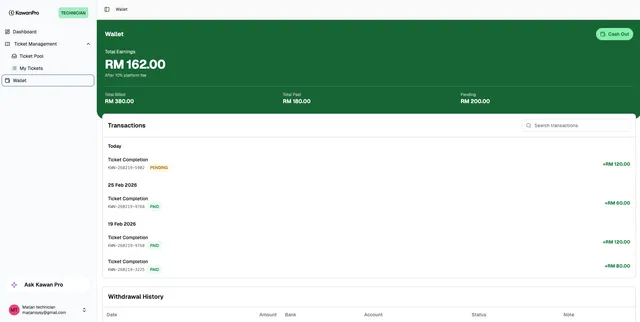
Complete the Job & Get Paid
Arrive at the client site, resolve the IT issue and mark the job as complete in the app. The client rates your service and payment is processed automatically. Track your earnings and cash out from your wallet.
Ready to Start Earning?
Join hundreds of IT professionals across Malaysia who are already finding jobs through KawanPro.
Register My Interest